WINDOWS 11 LATEST UPDATE BUILD 22000.65 FULL FEATURES EXPLAINED
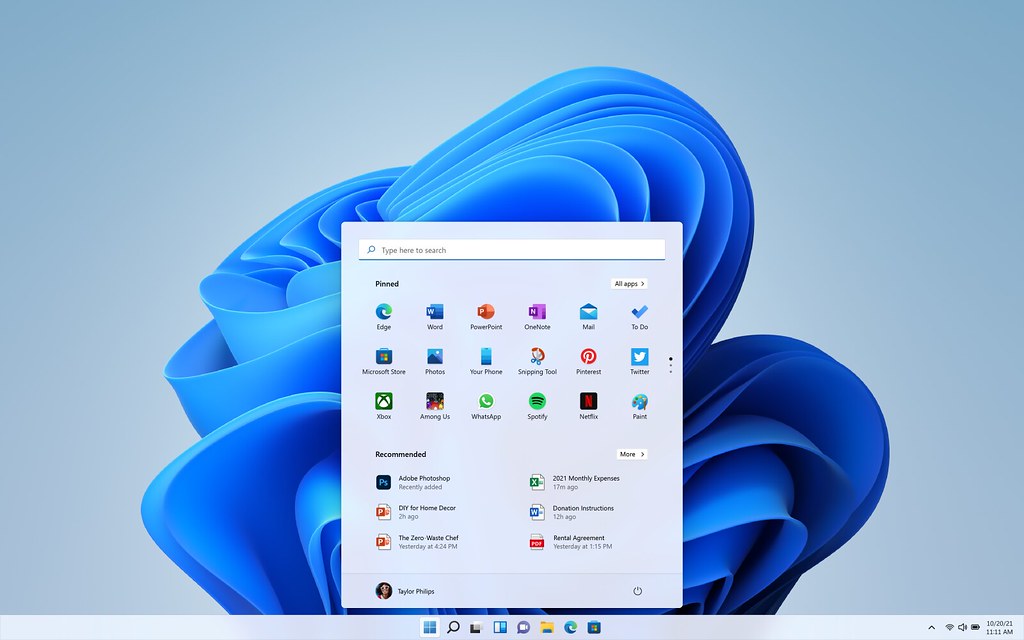
As we all know windows insider program has come and the work on beta is still going on stable release is not released yet but in the insider program they are giving some intresting updates every month so let's talk about the latest update when you go to the settings and click on about device the new update 22000.65 has released they have fixed some of the bugs and bought some new features one of them is that the refresh button had vanished you had to right click and click on show more options and then you would get refresh option but in this update the shortcut has been added again the second is that when you would click on toggles options you would usually see only 6 toggles but now you can see 12 toggles as you can see in this picture

And you can also customize them as you wish you can add or remove toggles and make comfortable to use like this

Another update is that when you open multiple windows at a time and want to minimize all of them you had to minimize them one by one but now you can minimize every window you have opened by a single click. On your taskbar click on the bottom right corner click and hold there for a second and it minimizes all the windows which are open
The other update is that when you click on the search option you will get quick search option with which you can read about the latest news, translate, converting the currency etc.

these are the quick searches it is very helpful for some people you can get latest updates about your intrests and
The next interesting update is about the widgets the appearence of the widgets has been changed you can change the size of the widgets and also customize according to your wish you also get an option to add widgets so you can add the widgets according to your wish
The another update is about the themes when you right click and go to personalize a new theme as been added and it is very cool according to my opinion it is light based theme the theme looks like this

The next update is the smart gestures for that go to settings and click on bluetooth and devices and then go to touch pad and click on advanced gestures there you can customize your mouse and keyboard according to your comfort

So that's were the new features of the 22000.65 build also the windows is not fully stable yet but there are no much bugs as well hope this was helpful for you pls do leave a comment if you have any doubts thank you


No comments: